Pursuit and tender
Reads the full tender package and lists requirements, risks and missing documents before the go or no-go.
See bid levelingMirage deploys AI agents that read your drawings, tenders and site records. They work under your rules and show the source of every figure.
General contractors, heavy civil builders and engineering groups.










Six families of agents cover the work your engineers repeat on every project.
Reads the full tender package and lists requirements, risks and missing documents before the go or no-go.
See bid levelingMeasures quantities on every drawing type and links each figure to its mark on the sheet.
See takeoff and estimatingCompares revisions, detects clashes between disciplines and sizes the impact of each change.
See clash detectionChecks submittals, method statements and specifications against what the contract requires.
See specification reviewTracks installed quantities, hours and daily records against the plan and prepares validations.
See progress trackingRecords every run, rule, source and approval, so any figure can be explained months later.
See approvals and auditThe agent compares the two revisions item by item, recomputes what changed and sends the difference for approval.
Road, structure, drainage, electrical, mechanical and marine sheets go through the same reading and the same checks.
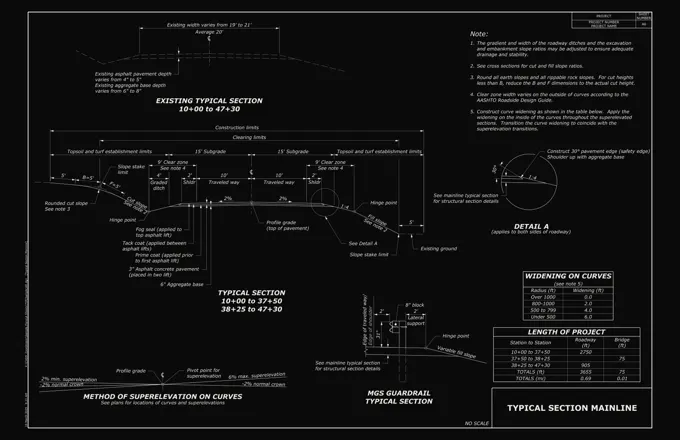
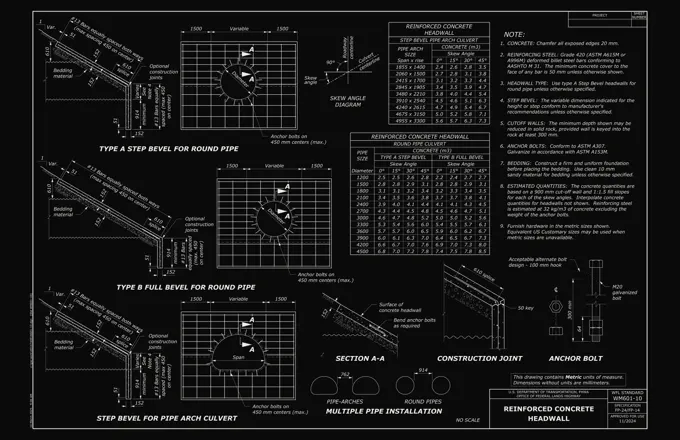
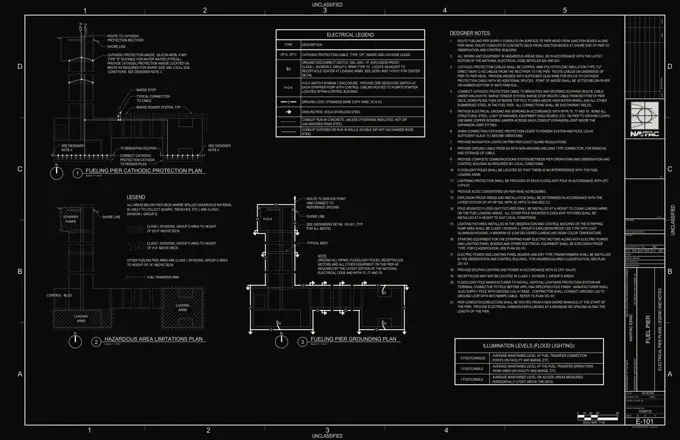
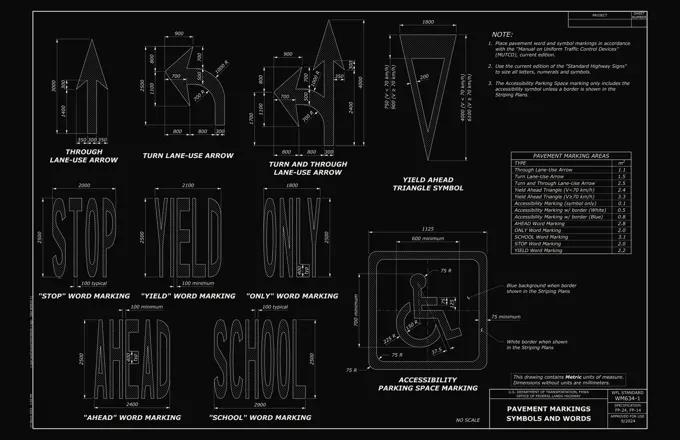
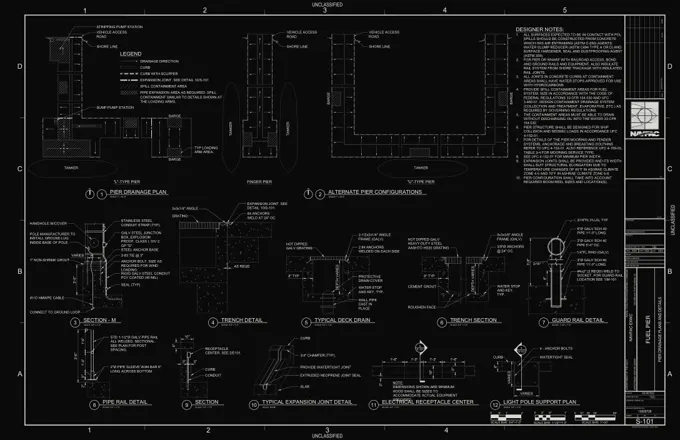
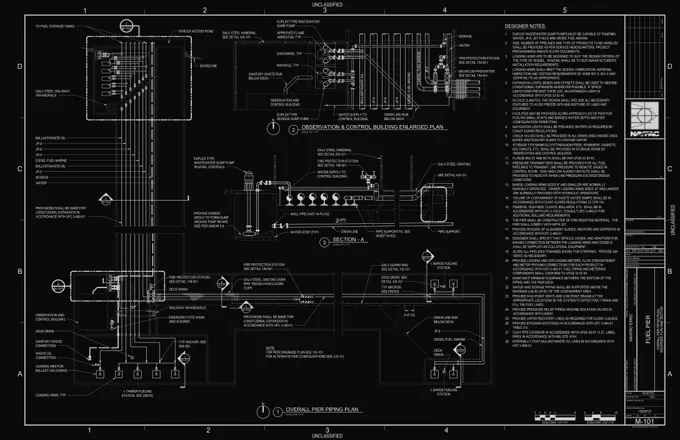
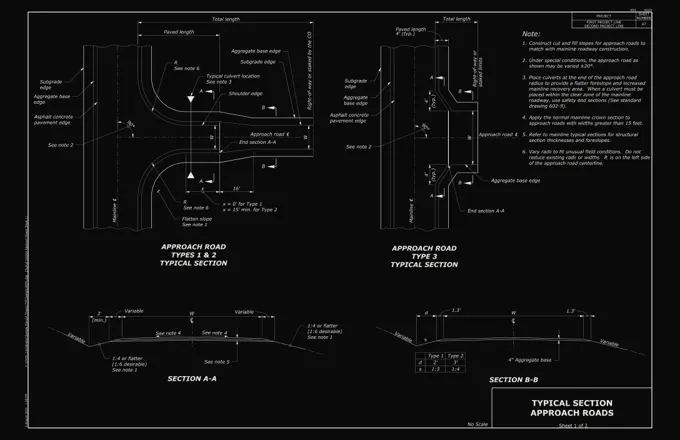
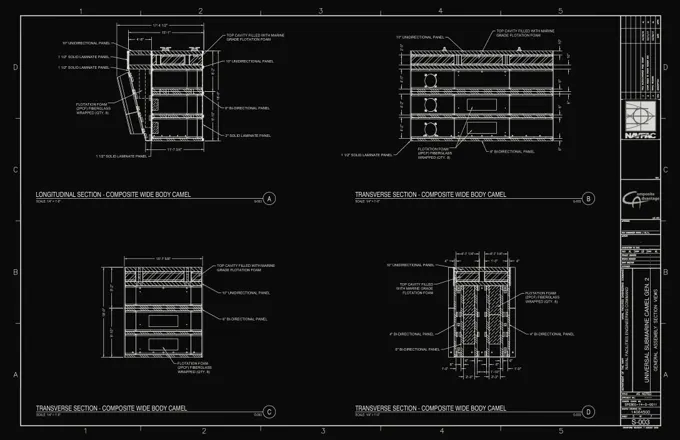
Each job follows six steps, and your engineers keep the decision at both ends.
The agent proposes a plan. Your engineer approves it before anything runs.
The job becomes small tasks, one per sheet, table or clause.
Mirage drawing models and several language models, each on the task it handles best.
Your company and project rules, applied the same way on every run.
A second pass checks each figure against its source. Unclear items are held.
Results reach the shared workspace with the full trail, ready for review.
Installed quantities are compared with the takeoff, and each approval is logged with its source.
| Item | Takeoff | Installed | Status |
|---|---|---|---|
| Asphalt concrete 3 in | 9 747 SY | 6 120 SY | 63% |
| Tack coat | 9 747 SY | 6 120 SY | 63% |
| Subgrade | 12 183 SY | 12 183 SY | Validated |
| Aggregate base 6 in | Held | Width to confirm |
We deploy inside your organisation, on your projects and under your IT policy.
Our engineers work with your teams, learn your rules and encode them.
See forward deployed engineeringEach project keeps its own rule set, units and approval chain.
Cloud, private cloud or on-premise, as your IT policy requires.
See on-premise deploymentAccess follows the permissions you already have. No model is trained on your documents, and providers keep nothing once a request is answered.
See securityDeployments in production
Countries with clients
Offices: Paris, Barcelona and Casablanca
Mirage will map the workflow, identify what can be automated and define the fastest path to production.
Leave your work email, then pick a time for a 30-minute call on the workflow where your team loses the most time. You leave with a written plan to automate it. No commitment.